Less weight.
More signal.
Make images smaller without making them softer, slower to render, or harder to operate. This is the practical compression library for real web teams.
ORIGINAL / 2.4 MB
Start with the actual visual job.
Compression is not a single quality setting. It is a decision about what the image must communicate, where it will appear, and what a browser should receive.
The practical compression guide
Dimensions, formats, quality, delivery, and the feedback loop that keeps them working.
Lossy vs lossless
Choose based on visual task, not a format label.
Compress for the web
Turn a good source into an appropriate browser candidate.
Make the decision traceable.
Good outcomes survive a new format, a new CDN, or a different build tool because the acceptance criteria remain visible.
Inspect
Know the source, slot, and visual job.
Shape
Resize before you debate encoding.
Deliver
Let the browser find the right candidate.
Verify
Read bytes beside timing and quality.
Smaller is useful only when the image still does its job.
Use a representative set, inspect difficult details at delivery size, and measure what real visitors receive. That is how a compression policy stays honest.
Build the web workflow →Compression, measured.
How to Compress Images for the Web Without Blurry Results
A browser-focused image compression workflow for right-sized candidates, visual quality, loading order, and cacheable delivery.
Lossy vs Lossless Image Compression: Choose by Use Case
Understand when lossy or lossless image compression serves the visual task, rather than choosing from file size alone.
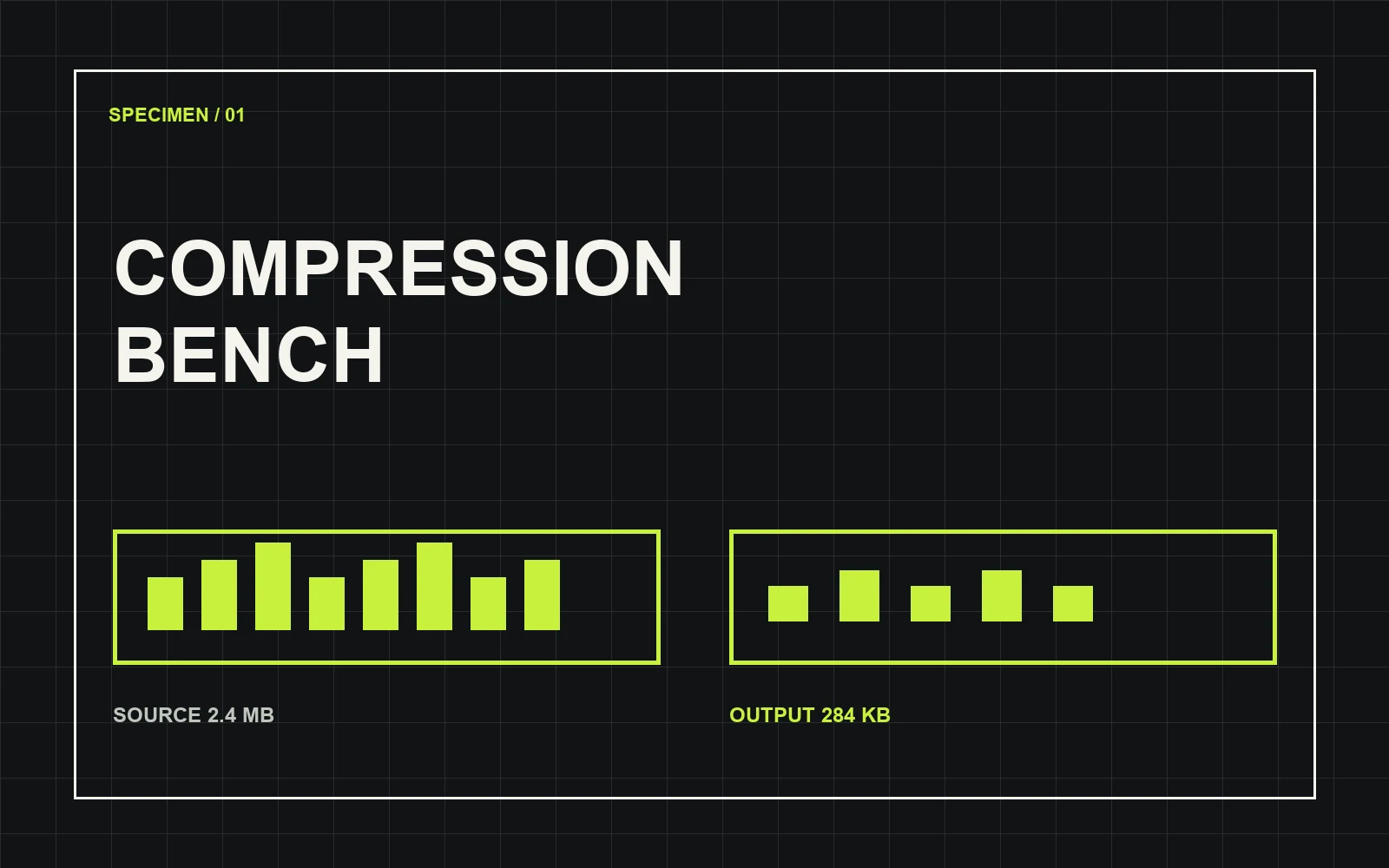
Image Compression: A Practical Guide to Smaller Files
A practical image compression workflow that balances dimensions, format, visual quality, browser delivery, and evidence.